
How to Get USDC to Use on Hastra
USDC is one the stablecoins you’ll use to buy wYLDS on Hastra. Here’s the simplest way to get it using the Phantom wallet.
🌟 Step 1: Open Your Phantom Wallet
If you haven’t installed Phantom yet, make sure it’s set up and ready.
You can head here to install the Phantom wallet: https://phantom.com/
Open Phantom → Go to the Home screen
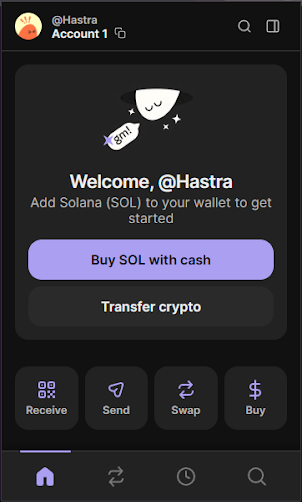
🌟 Step 2: Navigate to the “Buy” Tab
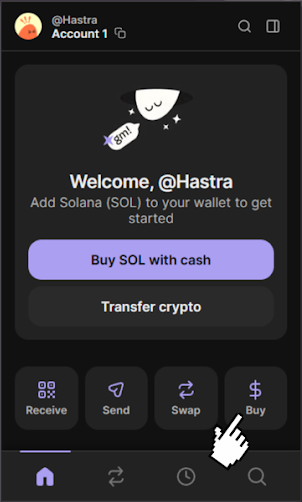
At the bottom of the Phantom screen, tap:
Buy → Choose Asset to Purchase
🌟 Step 3: Select USDC
You’ll see several popular cryptocurrencies.
Tap USDC (recommended for Hastra).

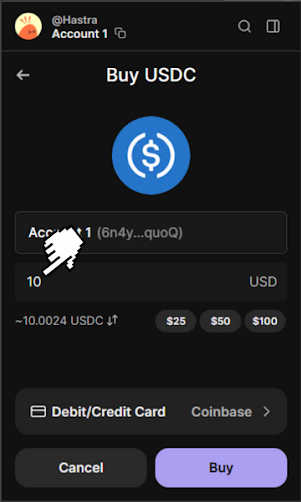
🌟 Step 4: Enter the Amount of USDC You Want
Type the amount you want to purchase.
- $1 USD = ~1 USDC
- Most users start with $10 to $100
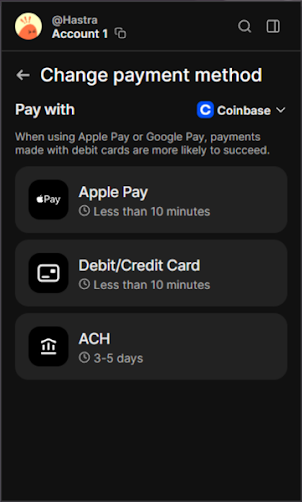
🌟 Step 5: Choose a Payment Method
Phantom supports multiple on-ramp providers such as:
- Debit / Credit Card
- Apple Pay / Google Pay
- ACH bank transfer (slower but sometimes cheaper)
Tap the Debit/Credit Card or another option based on your preference.
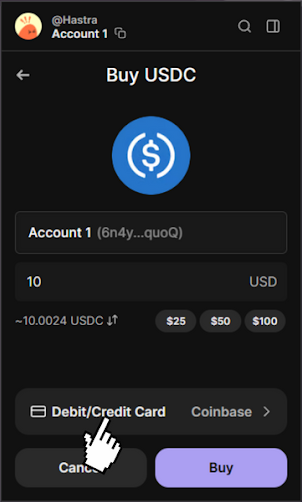
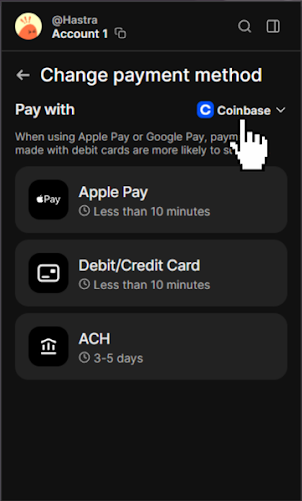
🌟 Step 6: Feel Free to Select Your Provider
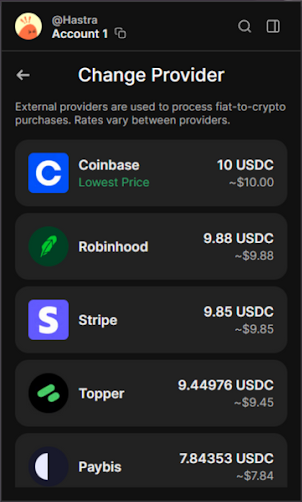
After choosing a payment method, you can click over a drop down and you’ll see provider options like:
- Coinbase Pay
- Robinhood
- Stripe
- Topper
- Paybis
Pick whichever you prefer.
🌟 Step 7: Review & Confirm Your Purchase
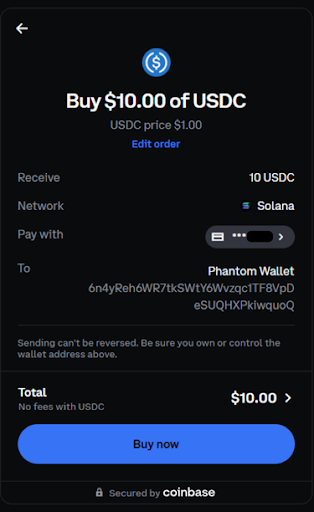
Check:
- Amount of USDC
- Payment method
- Provider fees (if any)
Then tap Buy to confirm.
Your USDC should appear in your Phantom wallet within a few minutes.
🌟 Step 8: You're Ready to Use Hastra
Once USDC arrives:
You can now head to https://www.hastra.io to swap USDC → wYLDS, stake for PRIME, and begin earning real-world yield.
You can read the guide on how to obtain wYLDS here